Excel for Financial Modeling

The Excel functions and techniques a project finance model is built with: XIRR and XNPV, INDEX, MATCH, OFFSET and LOOKUP, EOMONTH and YEARFRAC, flags, the Name Manager, Goal Seek, VBA macros, circular references and shortcuts.

Top Project Finance Modeling Shortcuts (Windows and Mac)

Top Project Finance Modeling Shortcuts (Windows and Mac)

5 min read

Excel for Financial Modeling

In project finance modeling, efficiency and precision are key. Whether you're using a Windows PC or a Mac, mastering the most commonly used project finance modeling shortcuts can significantly speed...


YEARFRAC Function - Financial Modeling

YEARFRAC Function - Financial Modeling

6 min read

Excel for Financial Modeling

The YEARFRAC function in Excel calculates the fractional number of years between two dates. This function can be useful when dealing with financial calculations or when you need to determine the amount...

MATCH Function - Financial Modeling

MATCH Function - Financial Modeling

3 min read

Excel for Financial Modeling

The MATCH function in Excel is used to find the position of a value within a range of cells. Here's how you can use the MATCH function in Excel: Arguments: ·      ...

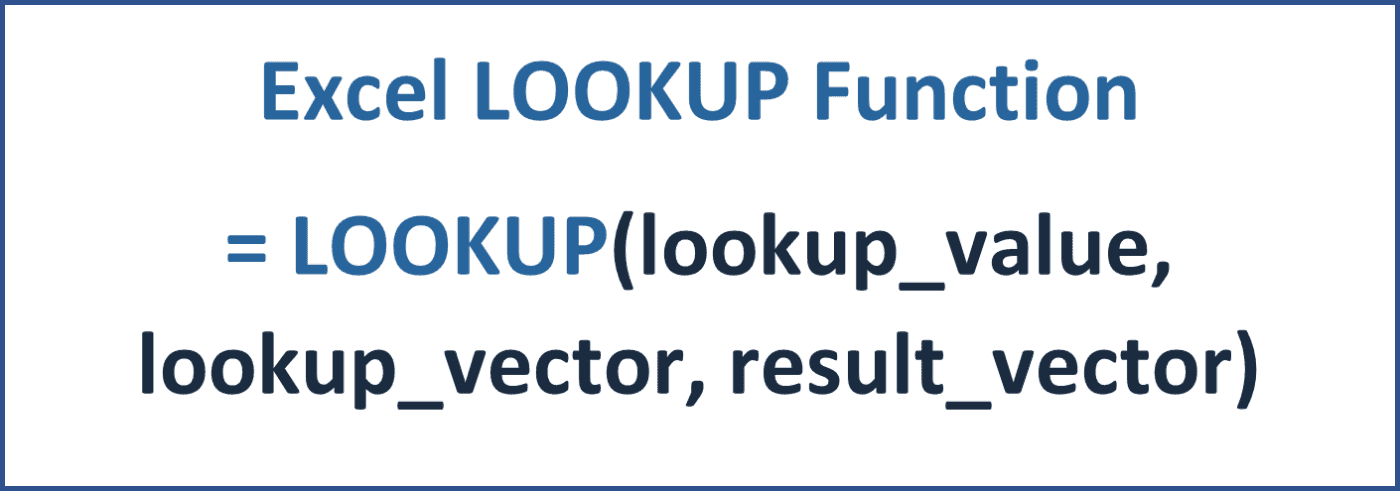
LOOKUP Function - Financial Modeling

LOOKUP Function - Financial Modeling

5 min read

Excel for Financial Modeling

The LOOKUP Function in Microsoft Excel is a versatile function that can retrieve data from a table or range of cells based on a specified value. There are three types of LOOKUP functions in Excel: the...

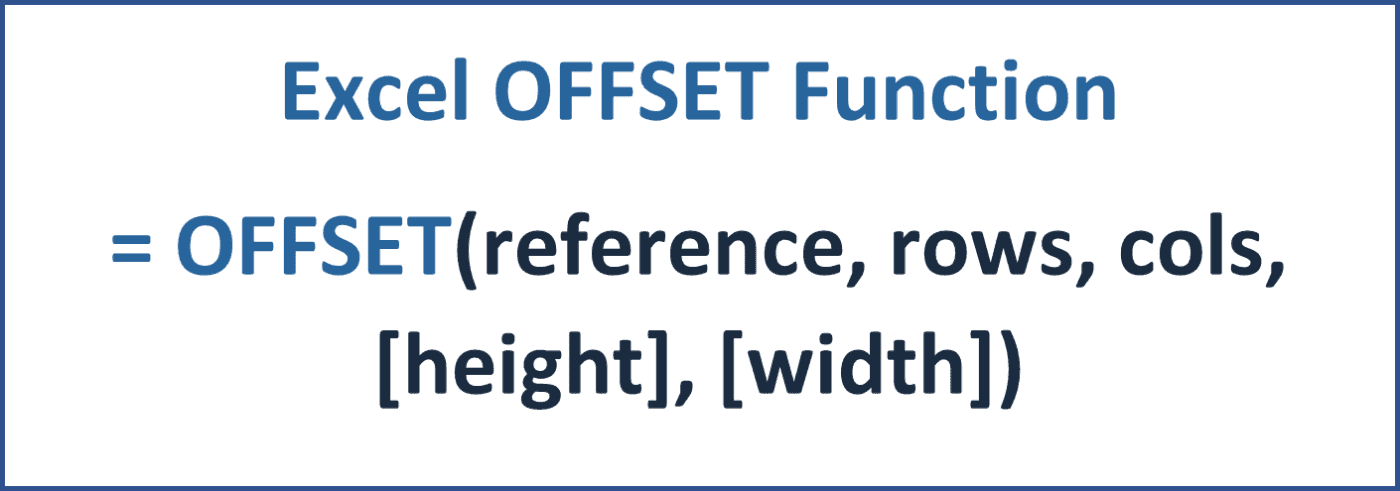
OFFSET Function - Financial Modeling

OFFSET Function - Financial Modeling

3 min read

Excel for Financial Modeling

The OFFSET function in Excel returns a reference to a range that is offset by a certain number of rows and columns from another cell or range of cells. How to use the OFFSET function in Excel? The OFFSET...

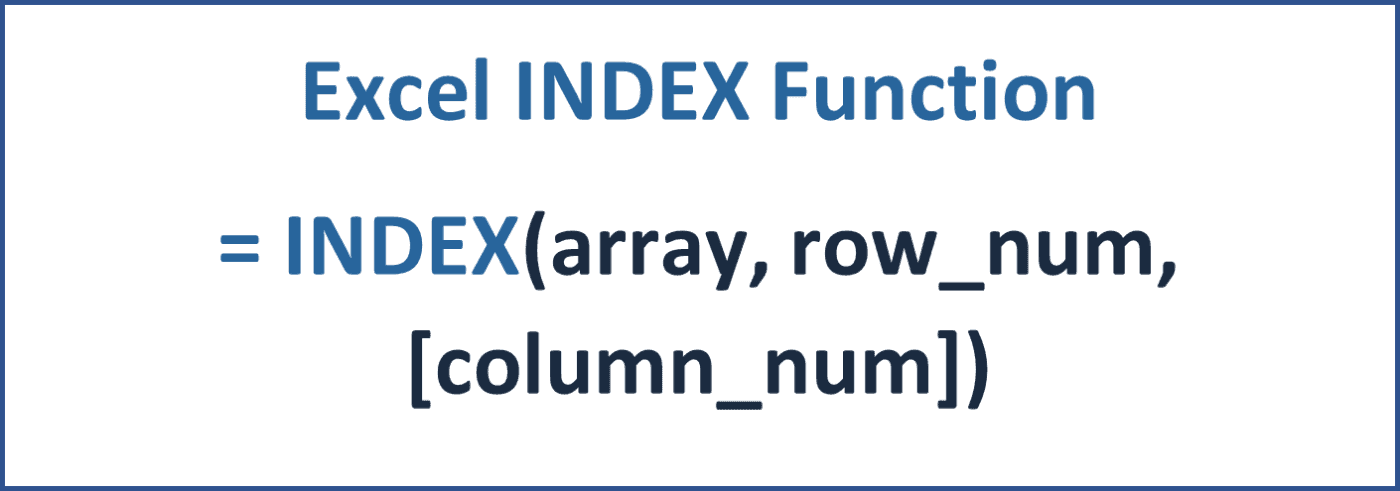
INDEX Function - Financial Modeling

INDEX Function - Financial Modeling

3 min read

Excel for Financial Modeling

INDEX Function in Excel: Returns a value or the reference to a value from within a table or range. Learn how to apply the INDEX function for financial modeling purposes. What is the INDEX function? INDEX...

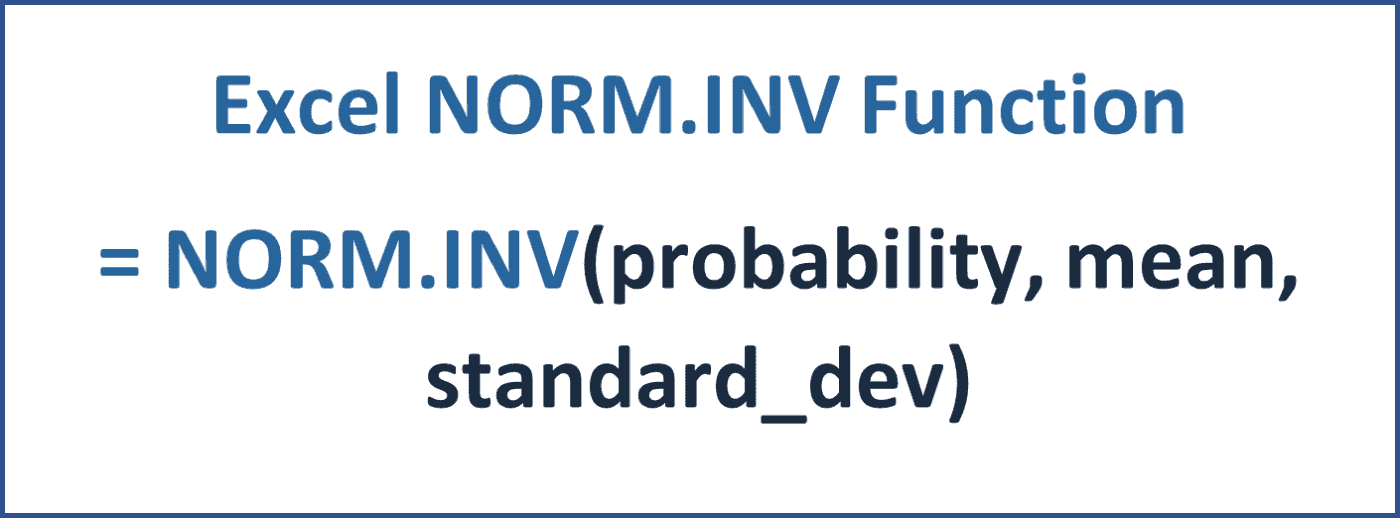
NORMINV Function - Financial Modeling

NORMINV Function - Financial Modeling

3 min read

Excel for Financial Modeling

NORMINV Function in Excel: Returns the inverse of the normal cumulative distribution considering two inputs - the specified mean and standard deviation. What is the NORMINV function? The NORM.INV function...

How to use flags in financial models?

How to use flags in financial models?

4 min read

Excel for Financial Modeling

Using flags in Excel is a powerful tool for improving financial modeling timelines. Best practice financial models for project finance, such as renewable energy financial models, require a financial...

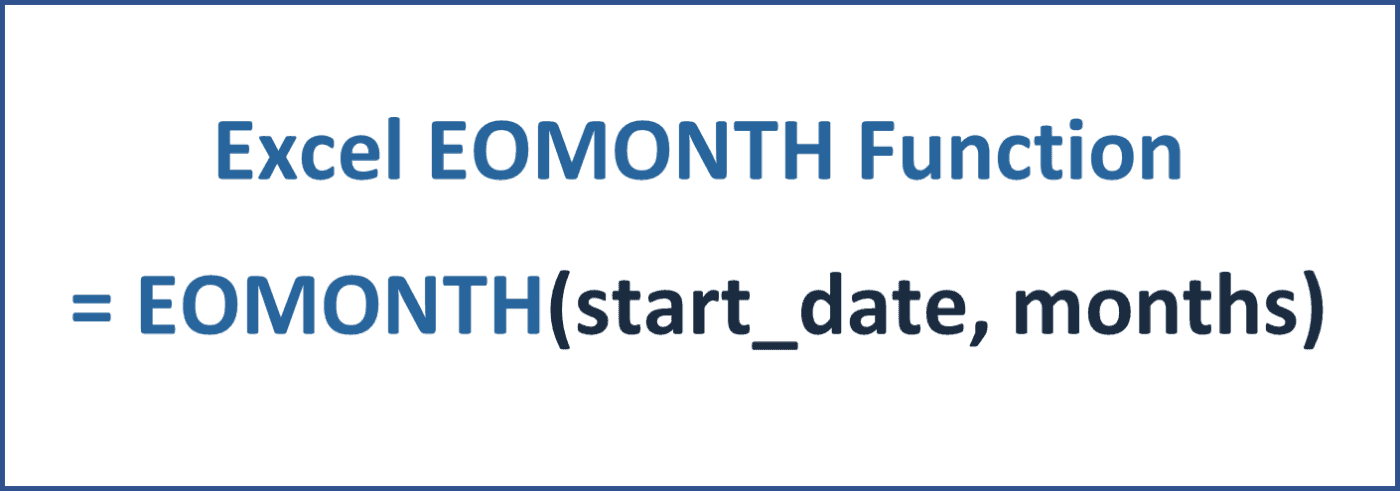
EOMONTH Function - Financial Modeling

EOMONTH Function - Financial Modeling

4 min read

Excel for Financial Modeling

EOMONTH Function - returns the last day of the month, which depends on the number of months before or after a particular start date. What is the EOMONTH function? The EOMONTH function returns the serial...

How to use the Name Manager in Excel?

How to use the Name Manager in Excel?

3 min read

Excel for Financial Modeling

The Name Manager in Excel is a powerful tool for creating references to certain cells and ranges. Using the Name Manager to create different macros in VBA, i.e., to break circular references, is best...

How to break a circular reference in Excel?

How to break a circular reference in Excel?

5 min read

Excel for Financial Modeling

Circular Reference Warning: "There are one or more circular references where a formula refers to its own cell either directly or indirectly. This might cause them to calculate incorrectly. Try removing or...

Goal Seek in VBA: How to automate Goal Seek in Excel?

Goal Seek in VBA: How to automate Goal Seek in Excel?

6 min read

Excel for Financial Modeling

Goal Seek in VBA: Goal Seek is a handy Excel function that helps to determine the required input value needed to achieve a targeted output value - and this process can be automated using a VBA macro! Goal...

How to use the Goal Seek Function in Excel

How to use the Goal Seek Function in Excel

3 min read

Excel for Financial Modeling

Goal Seek is a handy Excel function that helps to determine the required input value needed to achieve a targeted output value. What is the Goal Seek function? One of the functions of the What-If-Analysis...

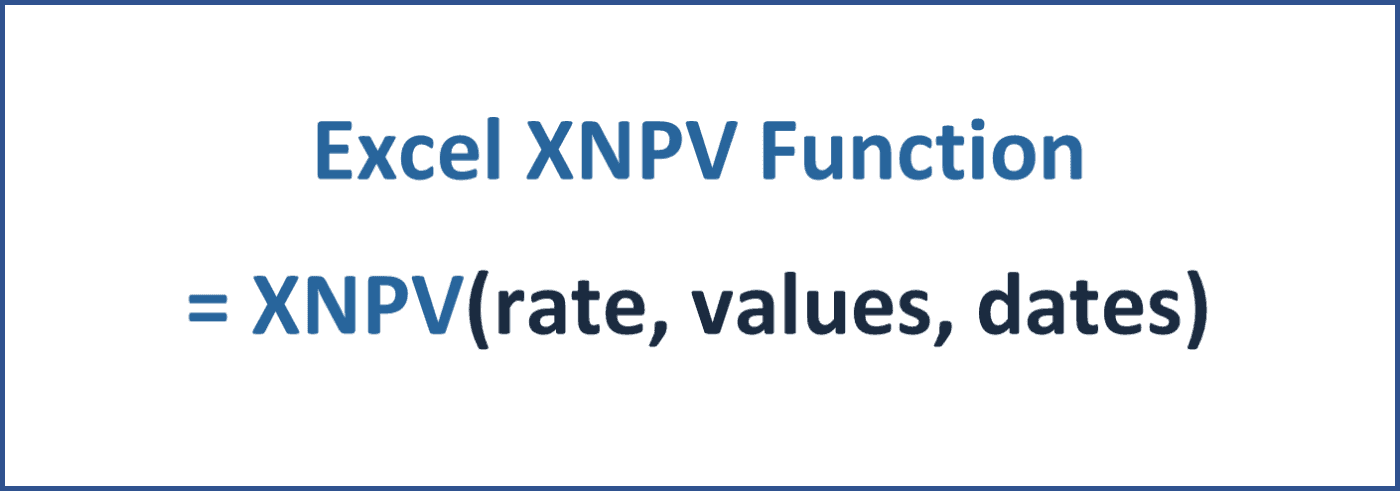
XNPV Function - Financial Modeling

XNPV Function - Financial Modeling

4 min read

Excel for Financial Modeling

XNPV function - determining the Net Present Value (NPV) of an investment with non-periodic cashflows. What is the XNPV function? The Excel XNPV function returns the Net Present Value (NPV) of an...

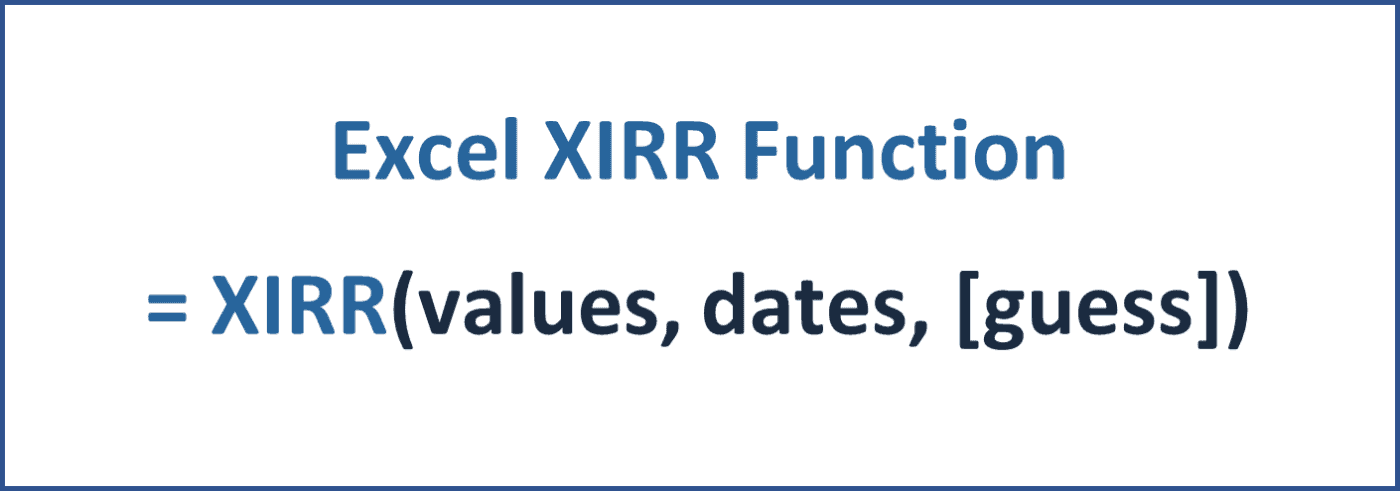
XIRR Function - Financial Modeling

XIRR Function - Financial Modeling

3 min read

Excel for Financial Modeling

XIRR function - determining the Internal Rate of Return (IRR) for a series of periodically uneven cashflows. What is the XIRR function? The Excel XIRR function returns the Internal Rate of Return (IRR)...

How to find a circular reference in Excel?

How to find a circular reference in Excel?

7 min read

Excel for Financial Modeling

Excel circular references occur when a formula refers back to its own cell or a cell that directly or indirectly depends on it. Finding and fixing circular references is important because they can cause...

← Back to the Academy

Earn Your RVA Certification.

Become a world-class financial modeler within the renewable energy sector and push your career to the next level.